¶ Adding or Duplicating Monsters
Best practice for duplicating and editing an existing monster in the Bestiary is to:
1. Place the monster you want to copy on the map
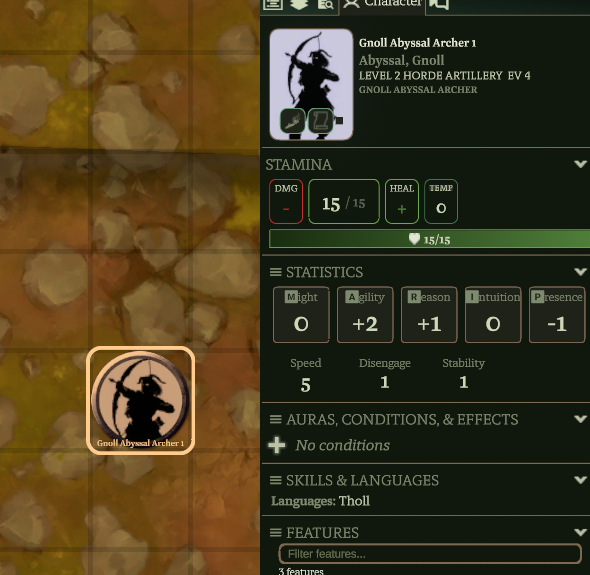
2. Make your changes on the token character sheet.
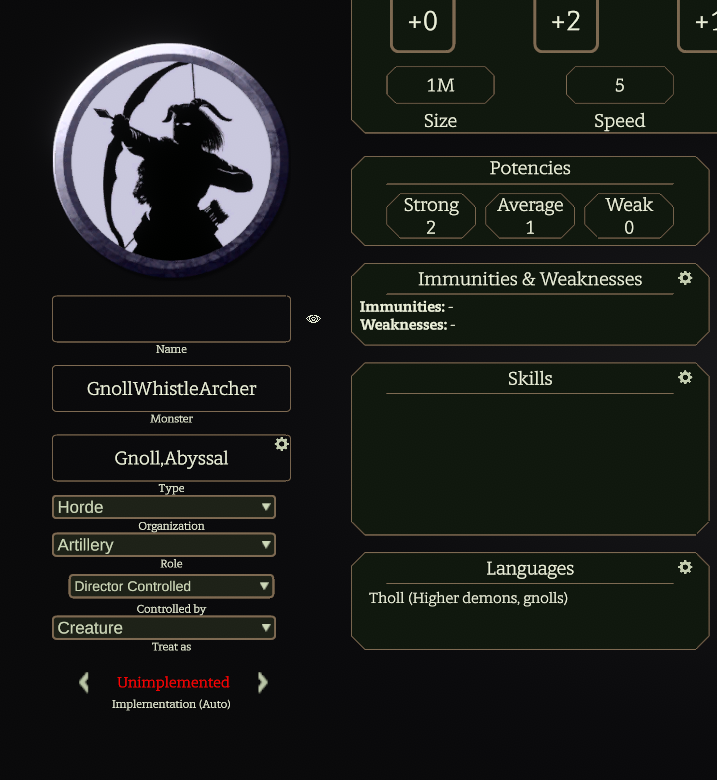
3. Change the Monster field entry in the sheet (on left, second from top) to the new monster type (example: GnollWhistleArcher)
Note: The Name field is only the name of that token, NOT the monster entry listed in the Bestiary.
Note: The Type field is the monster band (first term) that determines the malice abilities of the creature, followed by any additional monster keywords. The band is always included as a keyword. If a band is changed, the keyword will persist unless deleted.
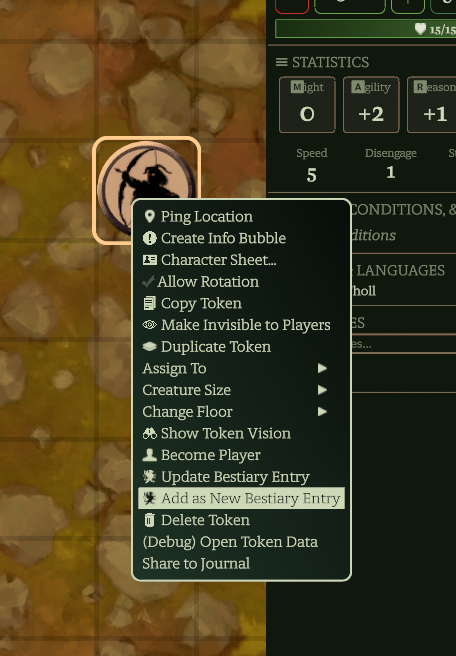
4. Right-click the token and select Add as New Bestiary Entry which will add it as a new entry at the bottom of the Bestiary list.
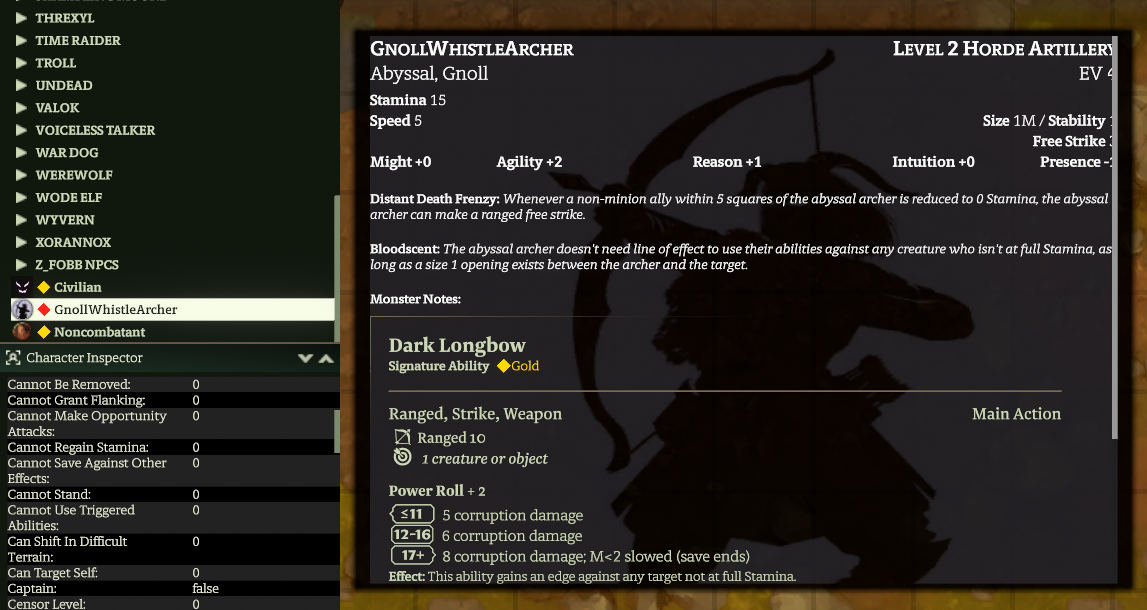
5. Move it to the desired folder.
This is a workaround for a bug that impacts display of monster entries in the Bestiary and tools that access the Bestiary like the encounter builder. The bug does not impact new monsters created in the Bestiary using the + button.
¶ Editing Attributes
¶ Changing monster type
¶ Malice
Every monster type (aka, Band) has a set of malice features associated with it that can be found in the Compendium. Go to Codex => Compendium => Malice to see the feature list for each type. Any monster assigned to a type will have access to the associated malice features in the action bar.